For years, the catch with AI was that it could talk about your work but never touch it. You'd explain your situation, it would give a smart answer, and then you'd go do everything by hand. The thinking was free. The doing was still all yours.
That's changing, and the reason has a name that sounds more technical than it is: connectors, and a standard called MCP.
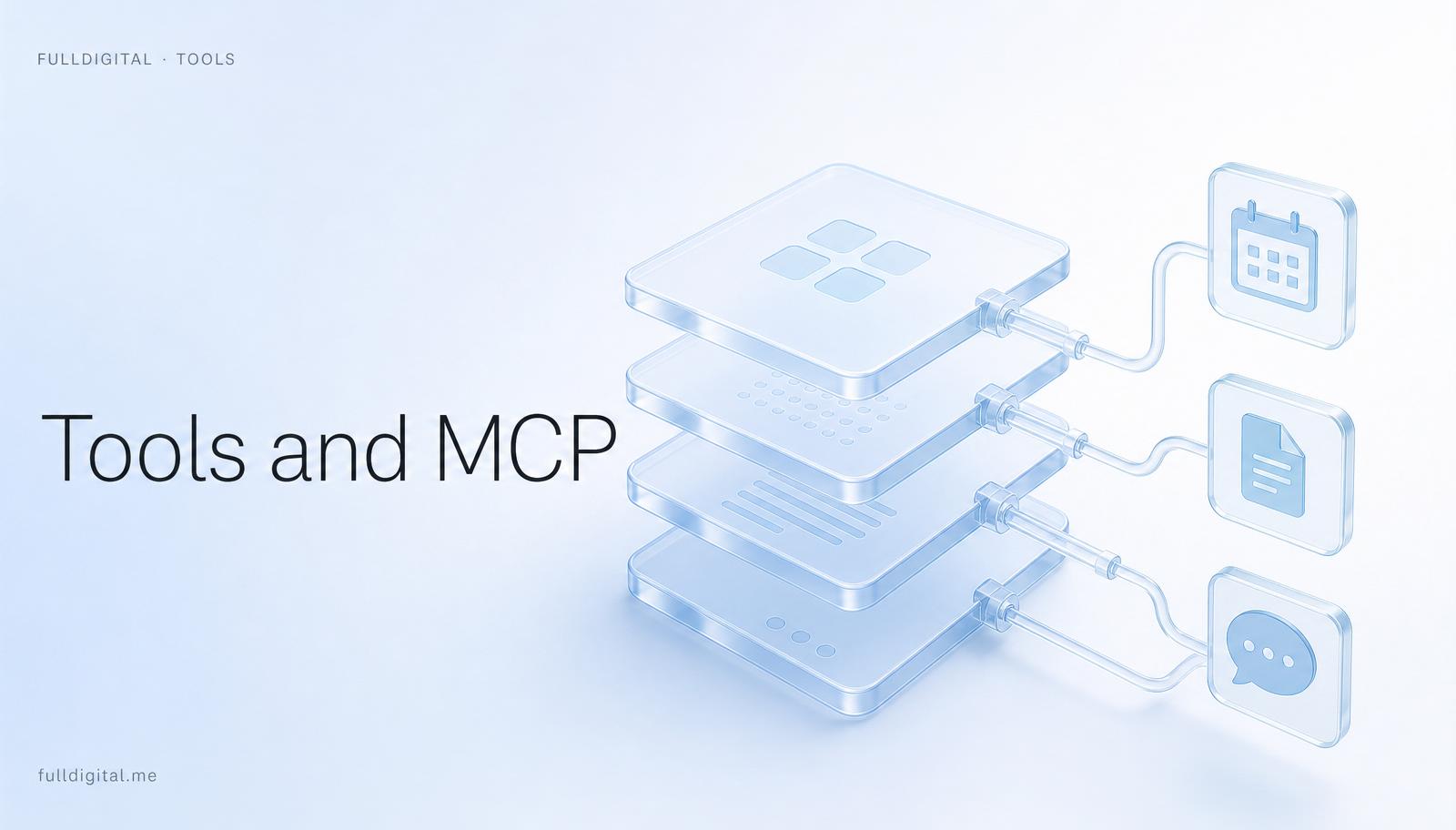
Here's the plain version. There's now an open, standard way for an AI to talk to your real apps. Your files, your email, your calendar, your CRM, your databases. Instead of you copying things in and out of a chat box, the AI can reach into the tools your work already lives in, read what's there, and act — with you deciding what it's allowed to touch. MCP is just the shared language that makes those connections work without a custom integration for every single app. You don't need to understand the plumbing. You need to understand what it unlocks: an AI that does, not just one that advises.
The capability arrived. Most people haven't noticed.
People assume building your own AI system is for engineers. Until recently, it mostly was. The tools to connect a model safely to your real apps either didn't exist or required real code.
That barrier is falling fast, which is why an ordinary person can now build a system that reads their calendar and drafts from their actual email. The capability arrived, and most people haven't noticed yet. That gap is the opportunity.
They connect everything at once.
Every app, every integration, every clever tool they read about, all in the first week. It feels like progress. It produces chaos and a pile of subscriptions.
The advanced connections sound great and make sense in theory, but plugged in too early, before the basics are solid, they just add confusion and cost. This is the single most common way people stall on the tools layer, and I've watched it happen again and again.
“Slow and solid beats fast and chaotic. The people who go slow end up faster.”
Read before act. One tool at a time.
Connect the few tools where your work genuinely lives — the ones you're in every day. Start with reading access only, so the system can see your work before it can change anything. Live with that for a bit.
Then, as you trust it, let it act, one capability at a time, on the things you're comfortable handing over. Keep control of what it can reach. Add the next tool only when the last one is genuinely earning its place. Slow and solid beats fast and chaotic — and the people who go slow end up faster, because they're not constantly untangling a mess they built in a hurry.
Don't pay until you'll actually use it.
Tools are where spending sneaks in and where the fear of getting locked in lives. One rule handles both: don't pay for or commit to a tool until you'll actually use it.
And because the important parts of your system — your identity, your memory, your skills — live in your own files, the tools stay swappable. You can change a connector without losing your system. That swappability is the whole point of owning your AI instead of renting it. Lock-in only happens when you let your life live inside the tool instead of inside files you control.
Connectors and MCP are what turn a clever chat into a partner that works in your real systems. Just don't mistake connecting things for building something.
Plug in the few that matter, let the system read before it acts, and earn each new connection.

Entrepreneur from Latvia. Building FullDigital so people stay free in the age of AI. I write about what actually works in my own week, not what sounds good on a conference stage.
Connect on LinkedIn